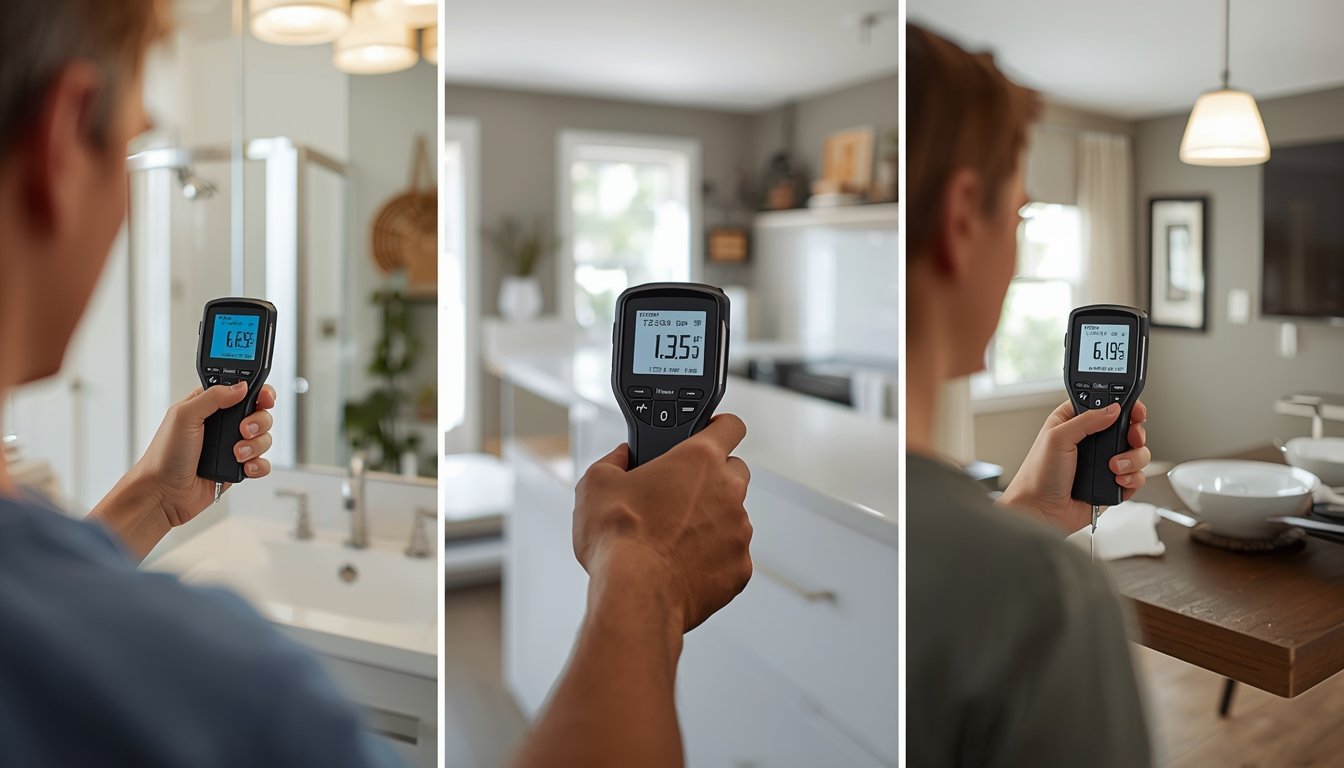
If your moisture meter keeps beeping, it usually means the device is detecting moisture levels above a preset threshold. Most meters are designed to alert you when readings enter a “wet” or high-moisture range, so the beeping is often a warning rather than a fault.
However, constant beeping can also be caused by incorrect settings, surface interference, or testing conditions rather than actual moisture problems.
What the Beeping Sound Means
Most moisture meters include an audible alert that activates when readings exceed a certain level. This helps you quickly identify areas that may require attention without constantly watching the display.
In normal use, the beeping should only occur when scanning areas with elevated moisture. If it happens everywhere, it usually indicates either widespread moisture or a setup issue.
- High moisture detected: The meter has reached its alert threshold
- Wet zone reading: Many meters beep when entering a “wet” range
- Continuous tone: Often indicates consistently high readings
- Intermittent beeping: May reflect fluctuating or borderline moisture levels
In most homes, beeping should be limited to specific spots rather than the entire surface. This is why it’s important to compare readings across different areas.
If the meter beeps in isolated locations, it usually points to a real moisture issue that needs further investigation.
Common Reasons for Constant Beeping
If your meter keeps beeping even in areas that seem dry, there are several common causes to consider. These are often related to how the meter is being used rather than actual moisture.
Identifying the cause helps you avoid misinterpreting the readings and focusing on the wrong problem.
- Wrong material setting: Using an incorrect mode can trigger false high readings
- Testing over paint or finishes: Coatings can affect how the meter reads moisture
- Metal or wiring behind surfaces: Hidden materials can cause false alerts
- High humidity: Moist air can influence surface readings indoors
For example, scanning a painted wall or an area with electrical wiring behind it can cause the meter to beep even if there’s no real moisture problem.
If you’re unsure whether the readings are accurate, it helps to understand moisture meter readings and scales, so you can determine whether the alert reflects a real issue.
How to Stop or Reduce the Beeping
Once you understand why the meter is beeping, you can take steps to reduce unnecessary alerts and improve accuracy.
The goal is to make sure the meter is only alerting you to genuine moisture problems, not external interference.
- Check and adjust the material setting before testing
- Test multiple areas to confirm whether readings are consistently high
- Avoid scanning over painted, tiled, or metal-backed surfaces when possible
- Use the meter on a known dry surface to confirm normal behaviour
If the meter only beeps in specific areas, it likely indicates elevated moisture that should be investigated further. If it beeps everywhere, it’s more likely a setup or environmental issue.
A common mistake is assuming the meter is faulty when it beeps frequently. In most cases, the device is working correctly and responding to conditions that need to be interpreted properly.
By adjusting your testing method and comparing readings carefully, you can quickly determine whether the beeping indicates a real moisture problem or just a false alert.